20 Best Drawing Apps for Android | Free & Paid Options
Drawing is one of the effective ways to express your opinion and convey a message to society. From ancient times, people have been involved in drawing to make money and convey messages to others. Recently, when creativity is maximized, we can express it in a new way. In this tutorial, we will discuss the 20 best painting drawing apps for the Android version.
Plotting | Best Drawing Apps for Android
What do you think about the artwork? Nowadays, it is becoming more and more handpoint using some smart apps or software. Artists can express their views or opinions shortly by using this software. The special software will allow you to do any artwork with almost any level of difficulty.
Just imagine the artwork and implement it within a few moments with the help of the latest technology. So creating artwork is not a dream; it is becoming a reality now.
Best Drawing Apps for Android Free
01. Sketchbook

We use Sketchbook for different types of animation and conceptual sketching. If someone is looking for software for conceptual sketching, this one will be an ideal choice. It was first developed by Alias Systems Corporation. As a user, you can access all the drawing and sketching tools for free and later on apply them as you wish.
Sketchbooks are frequently used for different types of artwork. The most important thing is that it is very easy to operate and does not have any chance of crashing in the middle of the project.
The Most Important Features Are:
- Easy to access
- Fully free for users
- A plethora of good reviews are available for users.
- One of the best modern drawing apps for designers.
- Lots of brushes are available. As a user, you have the freedom to use them as per need.
(-) Very few users have said that they need more features.
02. Artflow | Best Drawing Apps Free
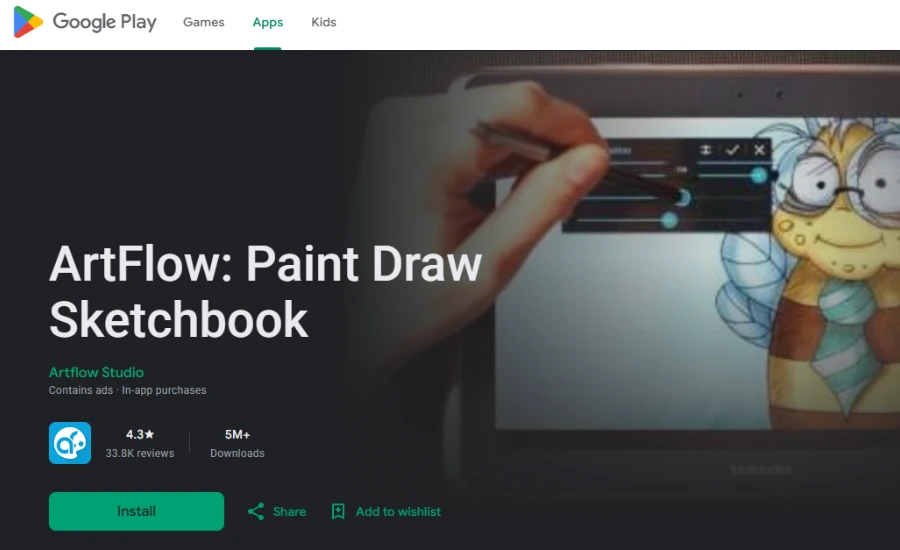
If you look at the features, it will be hard to believe that Artflow is free for users. They are offering hundreds of features for free. That is amazing. Artflow is designed with 100 brushes and tools. One of the most interesting things regarding this brush is it is flexible for super-sensitive pens.
The Best Features Are:
- It has both premium and free versions available online.
- In the paid version, you have the facility to go for unlimited pictures.
- The best choice for creative designers
- You can blend several photos and ultimately make a clear picture.
- Artflow uses a high degree of customization.
- The user can input their own generated ideas.
(-) The free versions have some limitations, and you cannot enjoy the full facilities.
03. Krita | Best Drawing Apps

Krita is an exceptional choice for Android users across the world. Those who are passionate about digital art and painting services will love this software for its simplicity and effective user-interactive design.
Are you planning to build your career in the field of cartoon or animation design? Well, in that sense, Krita would be a smart option. Krita offers many tools for high-quality artwork. In some cases, Krita performs better than Adobe Animate.
The Best Features Are:
- It is becoming a good choice for animation, cartoons, and some other digital art services.
- A good choice for 3D animation.
- Free and open source software.
- You can do vector drawing too.
(-) We didn’t find enough bad reviews on online platforms.
04. MediBang Paint | Drawing App Download

Let me introduce you to another popular high-quality drawing app for both Android and iOS versions. It is free software, and aside from some advertising problems, you will not face any other problems here. This one is a versatile software, and you can make your experiment here.
- Medibang is a lightweight software, and you can use it in both Android and iOS versions.
- As a user, you will not suffer from slow brush loading or any minimalistic features that will slow down your working process.
- In the premium version, you can check unlimited member participation.
- They are known for mega-creation software
(-) Medibang Pro is far better than the free version.
05. Infinite Painter

“Infinite Painter” will be a great choice to work on your smartphone or tablet. It is incredibly diverse, and as a user, you will enjoy several facilities. Let me tell you the best features.
- It is recognized as a professional vector graphics app.
- “Infinite Painter” will help you to go for any complex design.
- As a user, you can run the project smoothly without any hassle.
- It will be a great choice for creative people.
(-) Very few users have explained that they are not satisfied with the free version.
06. Clip Studio Paint

As it is rich in features, it quickly became a popular alternative to “Adobe Photoshop”. It will be a great choice for those who have a passion for digital art and culture.
It was released in 2001 and is now available in almost 10 languages. We must say that Clip Studio Paint is one of the most popular free drawing apps in the moment.
The Best Features Are:
- Nice realistic brush blending services.
- Automatic shading features are available for users.
- You can liquify on multiple layers.
- A rich set of built-in free resources.
- They will fulfill all your needs
(-) Very few users have complained that there are some limitations in the free version.
07. IBIS Paint X

“IBIS Paint” is one of the most in-demand painting apps for Android platforms. As a user, you will enjoy various facilities for painting. Its diverse tools will amaze you. Let me tell you about the exciting facilities!
- Hundreds of different fonts are available for users. You can use them to make appealing designs.
- You can customize the canvas and later on use it in different formats.
- Overall, it is very easy to operate.
- The user can save it on a transparent background.
(-) A very few users have complained about the free version. They are enjoying limited facilities here.
08. Adobe Illustrator | Best Drawing App for Android

Adobe Illustrator is one of the most popular drawing apps in recent times. It is popular across the world, and millions of users are using this software with satisfaction. Over the last 10 years, people from all over the world have been using this software, and the satisfaction rate is very high.
- It will be a great choice for 3D artwork.
- You can add text to any design if you wish.
- The user can make the design illustration with precision, and that is the signature characteristic of a famous drawing app.
- Creating interesting and complex shapes for the design.
- One of the most interesting features is customizable and editable graphics. You can change the shapes frequently and eventually make it suitable for the users.
(-) As it is one of the most popular platforms in this list, the user wants more features.
09. Paper Color

PaperColor is one of the rudimentary painting apps for beginners. You will be amazed to see its functionalities. It’s awesome. Hundreds of options are available for users and are very helpful for designers.
- An excellent painting app that is used all across the world.
- It will help you to draw and doodle graffiti for different designs. You can explore your skills and eventually complete a great project.
- The user can enjoy different styles of a paintbrush.
- If you are a novice painter and like to develop your skills, this one will be a great choice.
(-) Very few people have complained about the brush tool.
10. Tayasui Sketches

It is known as one of the most interesting platforms for drawing purposes. As a user, you will enjoy hundreds of features to create great artwork. It is free, and people of all ages can use this app smoothly.
- Very easy to use
- Lots of features are available for students.
- Initially, you have 30 days of free trial facilities
- You can blend two colors and eventually create a perfect shade.
- There is an option for creating wet watercolor. A realistic watercolor option is available.
- Unlimited layer options are available. As a result, you can create your style without facing any problems.
(-) Very few users have complained about its features.
11. Colorfy: Coloring Book Games | Best Android App
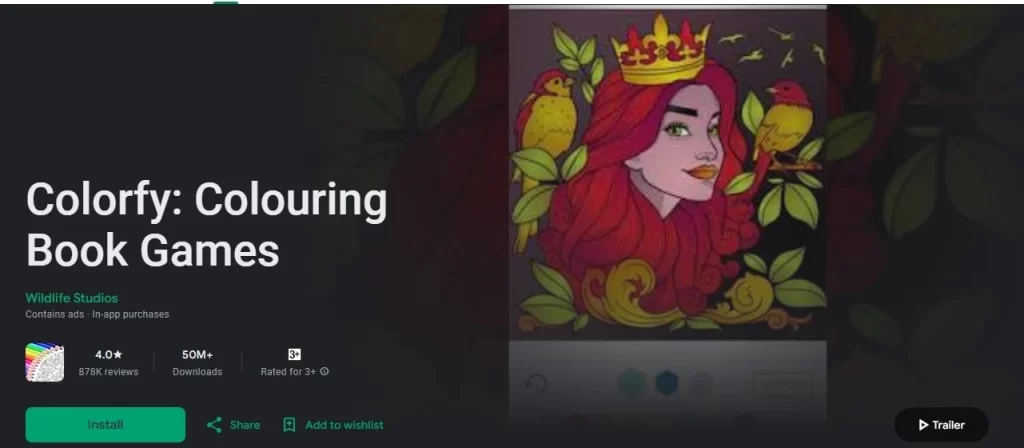
Are you looking for a special application for coloring different types of books or games? If you are a professional designer and like to design a special book, get help from this platform. It will be an amazing thing to do.
- You can design different types of mandalas, patterns, and florals within the book.
- Over 50M downloads in Google Play Store. So, you can feel the vibe and accuracy of this design app.
- Thousands of positive reviews are available on different forums.
- Easy to use.
- You can select the filter as you wish. Adjust brightness and start coloring the image.
- There is a chance of uploading photos using a grayscale color.
(-) Very few people have complained about the loading issues.
12. Dotpict

If you are looking for specialist software to draw pixel art, Dotpict will be an outstanding choice. It will help you to draw imaginative characters easily without any hassle.
- A good option for creating a particular character setting.
- The app is very excellent to use and functions well.
- We must say that the user interface is appealing, and over the years, they have received a good response from users.
- There are simple options for layers, animation, and special effects tools.
(-) Very few users have complained that there is an option for missing data, as there is no chance of account creation.
13. Hipaint | Free Drawing Apps for Android
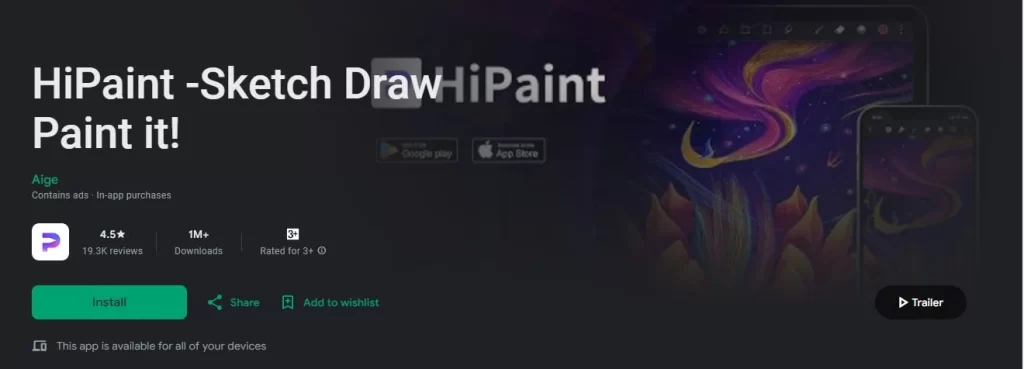
Are you looking for a professional painting app for painting? “Hipaint” is easy to use and user-friendly. For cartoon and animation design, it will be like over the moon. As a user, you can draw your imaginative scenarios as you wish within a few moments.
Let’s check out the best features.
- It will be a great choice for gaming interface design.
- Those who are interested in cartoon design can use that drawing app too.
- You can create iconic characters.
- Hundreds of brush tools are available for users.
(-) Very few users have claimed that while loading, there is a chance of crashing.
14. Fipa Clip: Best Drawing App for Android
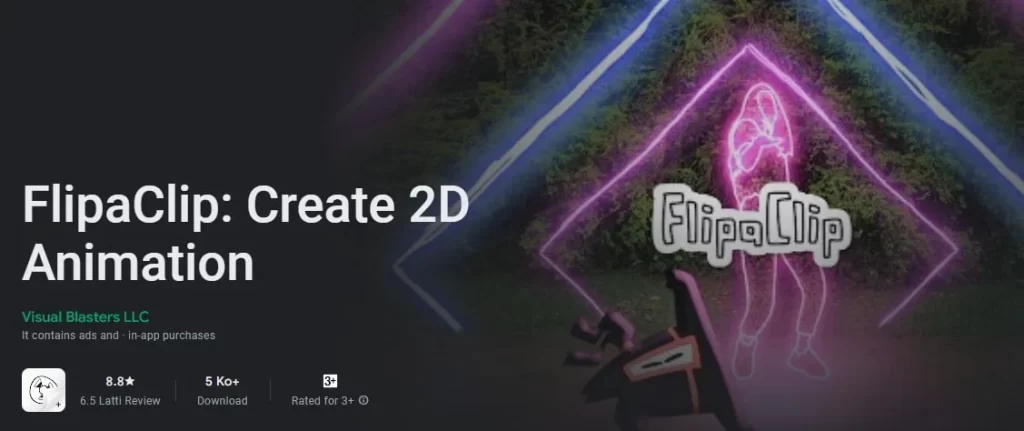
Do you like to make your dream come true and create a revolutionary design? Flipaclip will be an ideal choice to go. Especially for beginners, it will be an amazing tool, as there are a lot of things to learn.
- As a user, you can create animated videos or GIFs in a moment.
- For those who like to create a cartoon or animation, this would be a great choice!
- Unlock your imagination and join the drawing world.
- Drawing is becoming easy here.
- Lovely interface
- Lots of brush tools are available.
(-) A very few users have complained about the safety issue.
15. Sketchbook Lite – Artbook
So previously, we discussed Sketchbook; now the premium version of Sketchbook Lite. You can use this version and enjoy more features than the previous one. I firmly believe it will be the perfect place to make your design perfectly.
- Millions of times it has been downloaded from the Play Store. So, you can feel the popularity now.
- One of the most popular drawing apps in recent times.
- An amazing choice of cartoon designs
- It will be good for the children too.
- Beginners can grow a lot by using this application.
(-) Very few users have complained about the loading issue.
16. Kids Doodle – Paint & Draw | Android App for the Children
It is one of the most popular drawing apps for kids. Those who are looking for an easy platform to raise your children.
- It has been downloaded 50 million times from the Play Store.
- Intensely popular among children and parents.
- The baby can draw different types of doodles and have fun!
- They can portray any type of character by using this platform.
- Very easy to use.
(-) It is made for fun purposes and babies.
17. Stick Nodes: Stickman Animator | Best Drawing App for Android
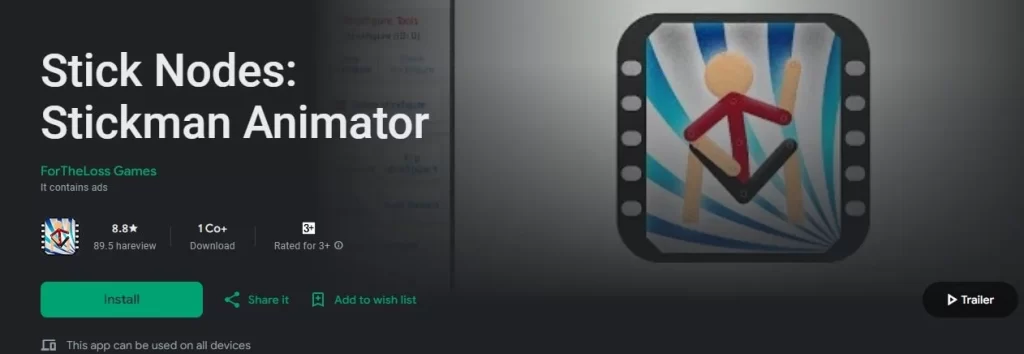
Do you like to make different types of cartoon characters by using sticky notes? Use this one! I firmly believe it will be a great choice for you to make interesting characters.
- Very easy to operate.
- Hundreds of features are available
- A good option for kids.
- Millions of downloads on online platforms.
- You can draw a masterpiece in no time.
(-) Very few people have said that they are not comfortable with this application.
18. BeeArtist – Learn to Draw Easy
BeeArtist is a kind of video tutorial for children. At the same time, they can have some fun and learn together. This application is designed for 2-7-year-old children, and they can learn easily by using this app.
- It is specially made for children.
- The outlook is gorgeous.
- The little kids can learn easily by using this app.
- They can draw different objects like flowers, animals, or anything they wish.
(-) This app is not designed for young people.
19. Drawing Desk: Draw, Paint, Sketch | Best Drawing App for Android
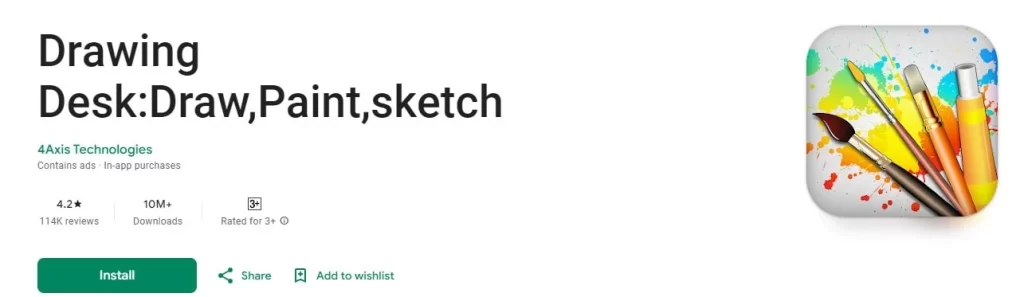
Are you a professional painter and looking for a trustworthy platform for drawing, painting, and sketching together? It has been downloaded millions of times and is an amazingly popular mobile app across the world.
- Hundreds of different drawing modes are available here.
- Those who are thinking that they will start drawing can choose this platform.
- The application is good for all ages
- It will be a blessing for creative people.
- The app will help you to draw anything you wish.
(-) Some users have complained that it restarts several times.
20. Bamboo Paper | Free Drawing App for Android
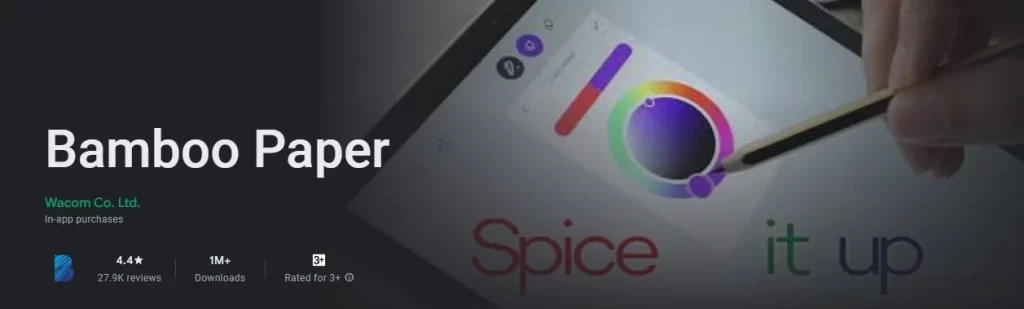
Turn your tablet into a drawing pad in no time. It has some awesome features, and easily you can create your favorite cartoon, animation, doodles, etc. It is especially good for beginners.
- An awesome app for students.
- Hundreds of new features are available compared to other drawing apps
- Very easy to operate.
- The unique zoom function is available for users.
- It is used for high-priced products.
- Good for background design.
(-) Some users have complained about the slow loading speed.
Final Few Words | Best Drawing Apps for Android
Here, we have tried to discuss in detail, and you need to pick an Android app based on your needs. Some apps are really good for sketching purposes, while some of them are good for drawing. While choosing the best app for your service, please read out the comments carefully and check the review of how good it is!
Don’t Miss Out
- Pixieset Review 2024 | Is It Best Software for Photographers
- How to Turn Photo into Line Drawing Online Free
- How to Use Photoshop AI Generative Fill in 2024
- Best 20 Feet Picture Ideas and Pose Inspiration in 2024
FAQ
What is the Best Drawing App in the World?
According to the users, Sketchbook is the best drawing app. Anyway, some users have said that they love Krita more than Sketchbook.
Which One Do You Prefer as an Artist?
Let me give you a list of professionals. Anyway, it will depend on your needs.
- Adobe Photoshop CC
- Clip Studio Paint
- Colorfy
- Bamboo paper
- Infinite painter
Is A Sketchbook App Safe for Children?
Yeah, obviously. It is pretty much safe for kids and adults. You can use it for commercial purposes.